Maintenance
Irrigation Opening
Opening Cost Calculator
Check-Up / Service Call
$ 90
Full inspection, diagnostics, pressure testing, and system adjustments.
BOOK ONLINEUsually, the price for irrigation opening is $90 + tax. The price can vary if the system is commercial or big residential.
GET IT NOWBasically, the price for winterization is $100 + tax. The cost can vary if the system is commercial or big residential.
GET IT NOWPrices start at $550 per zone. We use Hunter and Rain Bird materials. 5-year warranty. Parts and labor are included.
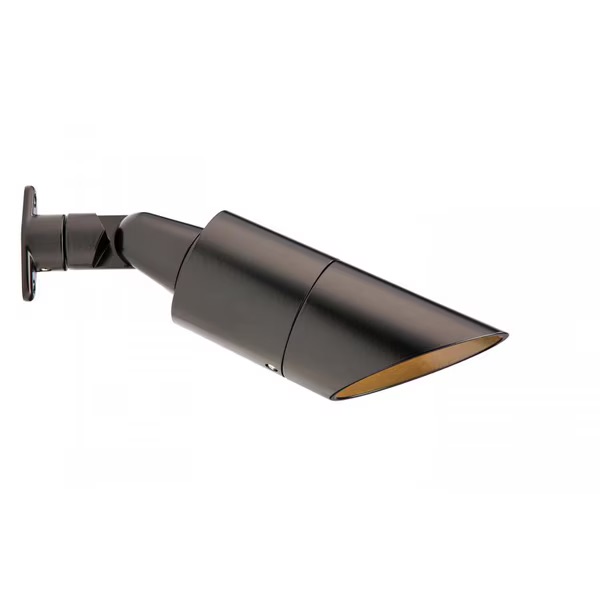
GET IT NOWLED fixtures start from $250 due to long lifespan and reduced maintenance costs. Parts & labour are included.
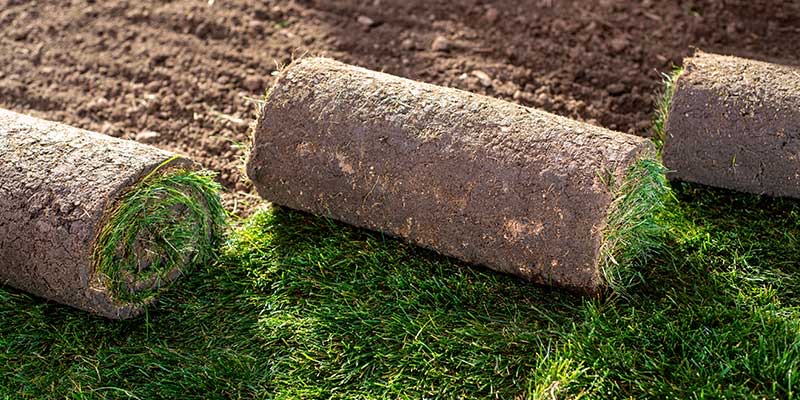
GET IT NOWResidential sod averages $1.10–$3.50 per sq.ft. Commercial starts at $0.75. Labour is included.
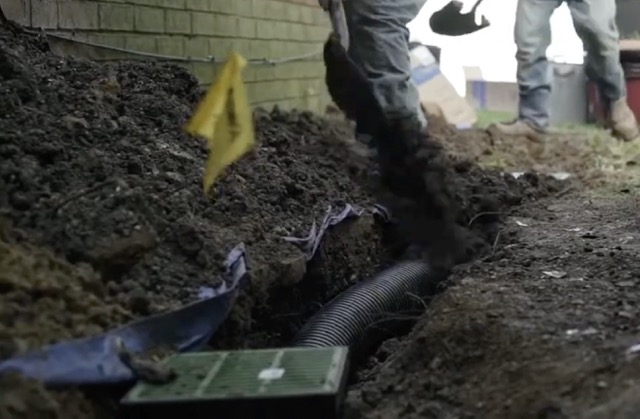
GET IT NOWFrench drainage installation cost ranges $25–$40 per foot depending on complexity. Parts and labor are included.
GET IT NOWFull inspection, diagnostics, pressure testing, and system adjustments.
BOOK ONLINE
















The most common reasons a sprinkler timer fails after a Canadian winter include power surges, dead backup batteries, or internal condensation. In the GTA, extreme temperature fluctuations—from -20°C in January to sudden thaws in March—can cause hairline cracks in the plastic housing of outdoor-mounted controllers. Statistics show that nearly 35% of controller failures are actually caused by a blown transformer due to spring power fluctuations as the local grid adjusts to cooling and heating demands. If your screen is completely blank, the issue is likely electrical. If it shows an “Error” code, it may be a “short circuit” in the field wiring that was damaged by shifting frozen soil. In 2026, many older “analog” timers are simply reaching the end of their 10–12 year lifespan. Before assuming the unit is dead, check your GFCI outlet; often, a tripped breaker is the silent culprit. Replacing a basic transformer in Toronto typically costs between $85 and $150, whereas a full diagnostic call-out fee for an irrigation technician averages $90 to $125. Understanding whether the failure is “total power loss” or a “programming glitch” is the first step in determining if you need a simple battery swap or a full system upgrade.
In 2026, the cost of a professional-grade sprinkler timer in the GTA ranges from $250 to $650, depending on the number of zones and smart features. A standard 6-zone non-Wi-Fi controller remains the most budget-friendly option at approximately $200 for the unit plus $150 for labor. However, 80% of Toronto homeowners are now opting for Smart Wi-Fi controllers like the Hydrawise or Rachio 3, which retail between $350 and $550. While the upfront cost is higher, smart timers can reduce water bills by an average of 30% annually, which in a typical Vaughan or Richmond Hill home translates to roughly $180 to $250 in savings per season. Professional installation is recommended to ensure the wiring is seated correctly and the software is calibrated to local Ontario weather stations. A licensed contractor will also offer a 2-3 year warranty on the hardware, which big-box retail versions often lack. If your current timer is over 10 years old, upgrading to a 2026 model is often more cost-effective than repairing an obsolete motherboard. Investing in a high-quality controller ensures your lawn stays green without wasting money on “watering the sidewalk” during a rainy Toronto spring.
Yes, a dead backup battery is the primary reason many GTA homeowners lose their custom watering schedules after a long winter. Most traditional controllers use a 9V battery to maintain the “internal clock” and settings during power outages or when the system is unplugged for the winter. If the battery is dead, the timer will “factory reset” the moment power is restored, often resulting in no zones turning on or a “default” schedule that may not fit your lawn’s needs. In 2026, modern smart controllers have moved toward non-volatile memory, which saves settings without a battery, but they still require a “bridge” connection to re-sync with your Wi-Fi. Statistics suggest that 25% of “broken” timers in Toronto are fixed simply by replacing a $5 battery and hitting the “reset” button. However, if you see a “No AC” warning even with a new battery, the transformer has likely failed. We recommend replacing your backup battery every spring during your “Seasonal Start-Up” to avoid the frustration of a dry lawn. It is a small $10 investment that saves the headache of reprogramming 8 different zones from scratch.
A blank screen usually indicates a power supply failure rather than a broken unit. Start by checking the GFCI (Ground Fault Circuit Interrupter) outlet that powers the timer. In Ontario, outdoor outlets are highly susceptible to moisture-induced trips during the spring thaw. If the outlet is working, check the transformer—the “brick” plugged into the wall. You can test this with a basic multimeter; a functioning 2026 transformer should put out roughly 24 to 28 Volts AC. If the transformer is cold to the touch after being plugged in for an hour, it is likely burnt out. Another common culprit is a “blown fuse” inside the controller panel itself. Most Hunter and Rain Bird models have a small glass or plastic fuse that protects the motherboard from power spikes. If the fuse is black or the filament is broken, a $5 replacement will bring the unit back to life. If you’ve checked the breaker, the transformer, and the fuse, and the screen is still blank, the internal motherboard has likely suffered a terminal short. In this case, a professional replacement is the only reliable path forward.
Absolutely, and 2026 is the best year to do so. Upgrading from a manual “dial” timer to a smart Wi-Fi controller is the single most effective way to lower your Toronto water bill. These modern units connect to local GTA weather stations and automatically skip watering if the forecast calls for rain or high winds. Statistics show that smart controllers can prevent up to 15,000 gallons of water waste per household annually. In Vaughan and Toronto, where “Time-of-Use” water rates are a concern, you can program these timers to water exclusively during the lowest-cost windows. The installation process involves mapping your existing 18-gauge wires to the new terminals, which usually takes a professional technician about 45 to 60 minutes. In 2026, units like the Hydrawise also offer “Predictive Watering,” which adjusts the duration of the spray based on humidity and soil temperature. The cost for a professional upgrade typically starts at $450, including the unit and setup. This “smart” transition not only saves money but allows you to control your sprinklers from your smartphone while on vacation, providing ultimate peace of mind.
For the 2026 homeowner, “Offline” errors are the new “Blank Screen.” This is almost always a Wi-Fi signal strength issue. During the winter, you might have moved furniture, installed new appliances, or changed your router settings, all of which can block the signal reaching your garage or exterior wall. Most irrigation controllers only support 2.4GHz Wi-Fi bands, which have a longer range but slower speeds. If your router was upgraded to a 5GHz-only mesh system over the winter, your timer will fail to connect. Statistics indicate that 60% of Wi-Fi timer issues in the GTA are solved by installing a $50 Wi-Fi extender near the controller. Another possibility is that the timer’s firmware is out of date; most smart units require a mandatory update after a long period of inactivity. If the connection remains unstable, check if your metal garage door is acting as a “Faraday Cage,” blocking the signal. Moving the Wi-Fi antenna or the controller just a few inches can often restore the connection. If you are a Sprinkler Company customer, we can often “remote-in” to your Hydrawise account to diagnose these connection errors without needing a site visit.
The “MV” or “P/MV” error stands for Master Valve or Pump Master Valve. This error is highly specific to the 2026 season startup. It means your controller is trying to open the main water source for the system but has detected an electrical “short” in the wire connecting the timer to the Master Valve. This often happens after a long winter if rodents have chewed through the wires or if the solenoid (the electronic magnet on top of the valve) has rusted and seized. In Toronto’s clay soil, “ground shifting” during the spring thaw can also snap these thin copper wires. If you see this error, your system will likely not water at all as a safety precaution. Testing the “ohms” of the Master Valve circuit is the professional way to diagnose this. A healthy reading should be between 20 and 60 ohms. If it reads “0” or “Open,” the solenoid needs replacement, which usually costs about $120 for parts and labor. Ignoring a P/MV error can lead to the motherboard overheating, so it’s best to keep the system “Off” until a technician can verify the wiring integrity.
If your timer is acting erratically—such as skipping Zone 3 or starting at 2:00 PM instead of 4:00 AM—the problem is likely a corrupted program or a “Seasonal Adjust” setting. Many homeowners accidentally leave their “Seasonal Adjust” at 0% or 150% from the previous year. In 2026, many smart systems have a “Smart Watering” mode that overrides your manual input based on soil moisture sensors. If these sensors are dirty or blocked by winter debris, they send false signals to the timer. Another common issue is “Multiple Start Times.” Homeowners often mistakenly set a start time for every zone, which causes the system to cycle 8 times in a row, leading to massive overwatering and a shock on the water bill. Statistics show that “user error” in programming accounts for 40% of service calls in the first two weeks of May. A full “Hard Reset” to factory settings, followed by a clean schedule entry, fixes most of these “glitches.” For our GTA clients, we provide a “Program Cheat Sheet” during every spring startup to ensure your timer is set for maximum efficiency and plant health.
Lightning strikes and power surges are common during Ontario’s spring thunderstorms. Even if the strike wasn’t direct, a “near-miss” can send a high-voltage pulse through the underground copper wires directly into the timer’s motherboard. Signs of surge damage include burn marks on the terminal strip, a “fishy” electrical smell, or a display that shows random symbols (the “Garbage Screen”). In 2026, most modern motherboards are not modular, meaning if one circuit is fried, the whole unit is trash. Statistics from GTA insurance providers show that lightning is the leading cause of “non-wear-and-tear” irrigation failure. While some high-end units have built-in surge protection, it is often not enough for a direct hit. A professional replacement is usually the only option, costing between $350 and $600. We highly recommend plugging your timer into a dedicated surge protector rather than a standard outlet to prevent this. If you are replacing a surge-damaged unit, consider it a perfect opportunity to upgrade to a Wi-Fi-enabled model that can notify you of electrical faults in real-time.
While most irrigation controllers are designed for “outdoor” use, they are still electronic devices with temperature limits. In Toronto, a garage that isn’t insulated can drop to -15°C. Over several years, the “freeze-thaw” cycle can cause the Liquid Crystal Display (LCD) to leak or fade, making the screen unreadable. Furthermore, condensation can form inside the unit during a sudden spring warm-up, leading to corrosion on the copper contact points. Statistics suggest that timers located on exterior-facing garage walls have a 20% higher failure rate than those on interior walls. To protect your unit, we recommend leaving it “Powered On” (but in the ‘Off’ or ‘Rain’ mode) throughout the winter. The small amount of heat generated by the transformer is often enough to keep the internal components dry and prevent the motherboard from “freezing.” If your screen has “black splotches” on it this spring, the LCD has been compromised by the cold. While the timer might still “run,” you won’t be able to adjust it. In 2026, replacing a damaged faceplate can cost $150, but it’s usually wiser to put that money toward a new, weather-sealed smart controller.
If the timer looks fine but a specific zone won’t fire, you have a “Zone Failure.” This is usually an electrical issue between the timer and the solenoid in the yard. In 2026, the standard diagnostic tool is a multimeter. Set it to “VAC” and check the terminals for the zone in question while it is running. You should see 24 to 28 Volts. If the timer is outputting power, the break is in the field. GTA soil is known for “heaving,” which can pull wires out of their waterproof connectors. Statistics indicate that 70% of zone failures are due to corroded “wire nuts” in the valve box. If your timer shows a “Zone Short” or “High Amps” error, the solenoid on that specific valve has likely failed. Solenoids are $30-$50 parts, and replacing them is a common spring task. However, if the timer shows no power at the terminal, the internal “triac” (the electronic switch) for that zone is burnt out. If you have an “extra” zone on your timer (e.g., you have 5 zones but a 6-zone timer), a technician can simply move the wire to the unused terminal and “jump” the programming, saving you the cost of a new unit.
If your timer is “frozen” or not responding to buttons this spring, you need to know the difference between these two steps. Power Cycling is simply unplugging the unit, waiting 30 seconds, and plugging it back in (and removing the backup battery). This is the “soft” fix for minor software hangs. A Hard Reset, however, involves holding down a specific combination of buttons (like ‘minus’ and ‘right arrow’ on a Hunter) to wipe the internal memory and return to factory settings. This is necessary if the internal “logic” of the controller has been corrupted by a power surge. In 2026, smart controllers can often be reset via the mobile app. Statistics show that a Hard Reset solves 50% of erratic behaviorwithout requiring a technician. Note that a Hard Reset will delete your watering schedule, so ensure you have your “Zone Map” written down. If the unit still won’t respond after a Hard Reset, the physical buttons or the “ribbon cable” connecting the display to the motherboard have likely failed. For Toronto homeowners, this is usually the signal that the unit has reached the end of its functional life.
In the GTA climate, inside (garage or basement) is always better. While “outdoor-rated” timers come with a locking weather cabinet, they are still exposed to Ontario’s extreme humidity and temperature swings. Statistics show that indoor-mounted controllers last 4-6 years longer than outdoor units. An indoor unit is shielded from UV rays, which can turn the plastic housing brittle, and from “wasp nests” or “spider webs” that can short out the terminals. If your current timer is outside and it failed this winter, we recommend relocating the new unit inside the garage. This involves extending the 18-gauge “multi-strand” wire through the wall, a service that typically adds $100-$150 to an installation but pays for itself in longevity. If an indoor mount isn’t possible, ensure your 2026 replacement is a high-quality, professional-grade unit with a sealed “potted” motherboard. Avoiding the direct Toronto sun and wind-blown rain is the best way to ensure your irrigation brain survives the next decade. Our team specializes in “clean” indoor installs that keep your garage organized and your system protected.
A faulty or “stuck” rain sensor is a very common reason why a sprinkler timer appears to be working (the screen is on) but no water is coming out. In 2026, most Toronto systems are equipped with a rain sensor to comply with water conservation bylaws. These sensors contain “cork discs” that expand when wet. If those discs are old or covered in mold/debris from the winter, they may stay “expanded,” telling the timer that it is “Raining” even in a drought. Most timers have a “Sensor Bypass” switch. If you flip this to “Bypass” and the system starts working, your sensor is the culprit. Statistics show that 1 in 5 “no water” calls in May are actually just “stuck” sensors. A new wireless rain sensor costs about $150 to $225installed. Alternatively, upgrading to a Wi-Fi smart controller allows you to ditch the physical sensor entirely in favor of “Hyper-Local Weather Data,” which is far more reliable and requires zero maintenance. If your sensor is more than 5 years old, it is likely the weak link in your irrigation chain.
You should call a professional if you experience any of the following: a “Burning” smell, a “Master Valve” error, a blank screen despite a working outlet, or if multiple zones are firing at the same time. These are signs of complex electrical faults that can lead to a fire hazard or a flooded yard. In 2026, the average diagnostic fee for a certified technician in Toronto or Vaughan is $90 to $125. This fee usually includes a full system check, not just the timer. According to industry data, homeowners who attempt to “hot-wire” their own controllers often end up “frying” the solenoids in the yard, turning a $400 timer replacement into a $1,200 total system repair. A professional has the specialized equipment to “tone out” a broken wire underground and the experience to set a “hydro-efficient” schedule that saves you hundreds on your water bill. At The Sprinkler Company, we provide 2026’s most advanced diagnostic services, ensuring your “system brain” is healthy and ready for the Toronto summer.